

Download Wise Registry Cleaner Portable – registry cleaner, registry repair, registry defragmenter, portable registry tool, system optimization, Windows performance
Overview
Wise Registry Cleaner Portable is a lightweight, free utility designed to enhance the performance and stability of Windows-based systems by addressing common registry-related issues. The application targets invalid registry entries, obsolete file associations, and unassociated Dynamic Link Libraries (DLLs), which can accumulate over time and degrade system responsiveness. By identifying and resolving these errors, the tool aims to improve overall system health and efficiency. It is particularly useful for users seeking a no-installation solution to maintain their computers without cluttering the system drive.
Designed with portability in mind, the software can be run directly from a USB flash drive, making it ideal for users who need to clean and optimize multiple machines without installing software. This feature is especially beneficial in shared or public computing environments where installation is restricted. The tool also includes a boot optimization feature that analyzes startup programs, allowing users to streamline the boot process and reduce system load time. Additionally, the built-in registry defragmenter reorganizes registry data to improve access speed and free up disk space.
Targeted at both casual users and IT professionals, Wise Registry Cleaner Portable offers a straightforward approach to system maintenance. While the developer did not provide additional technical details about the scanning algorithms or underlying architecture, the application’s core functionality aligns with standard registry optimization practices. Its role in the utilities ecosystem is significant, offering a secure, on-the-go alternative to traditional registry cleaners that require installation.
Key Features & Functionality
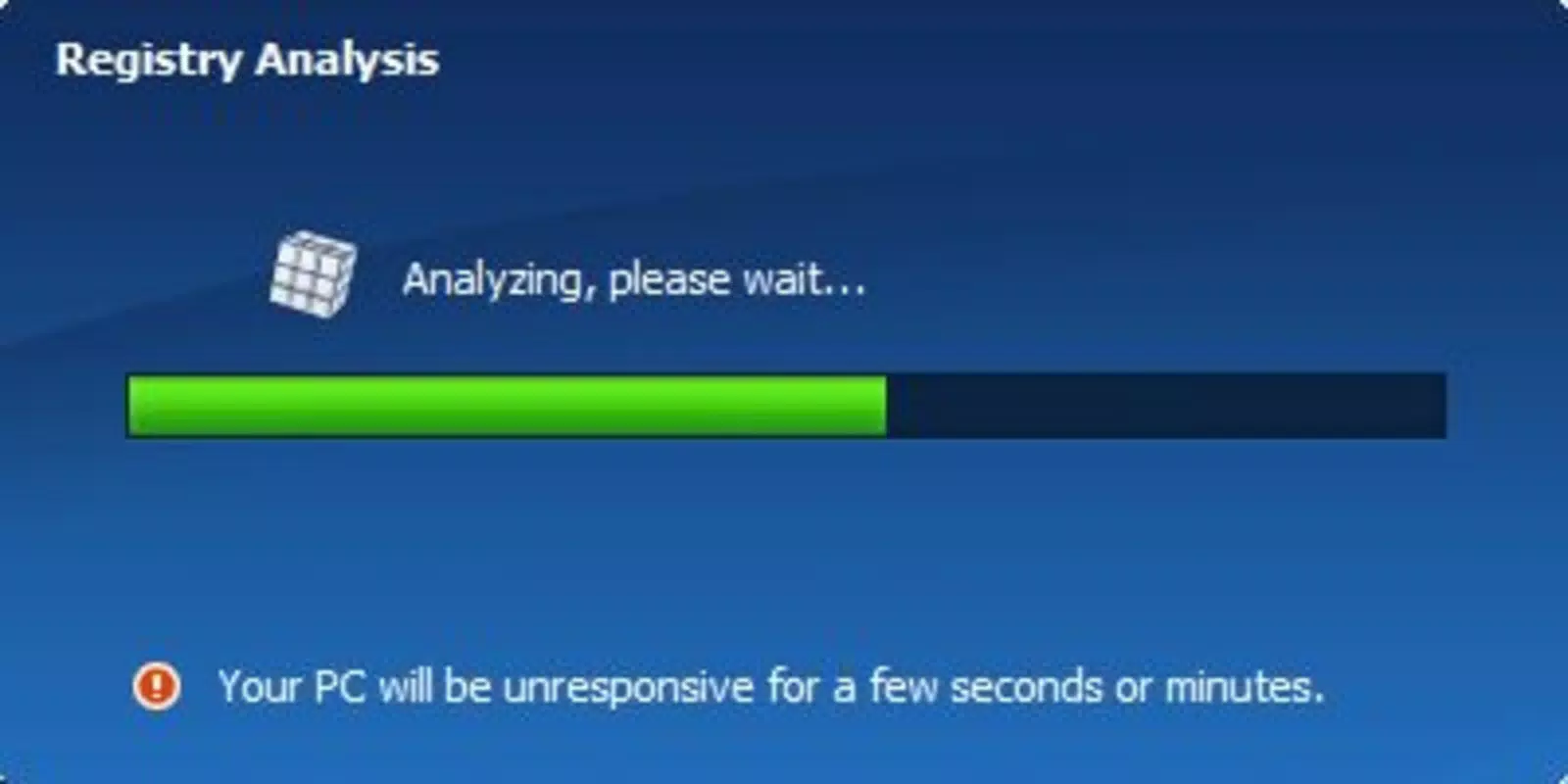
- Registry Analysis: The tool performs a comprehensive scan of the Windows registry to detect invalid entries, broken file associations, and orphaned DLLs. This analysis helps users identify potential sources of system instability and performance degradation.
- Automatic Repairs: Once issues are detected, users can initiate a one-click repair process to resolve all identified problems. This feature simplifies system maintenance for non-technical users, reducing the risk of manual errors.
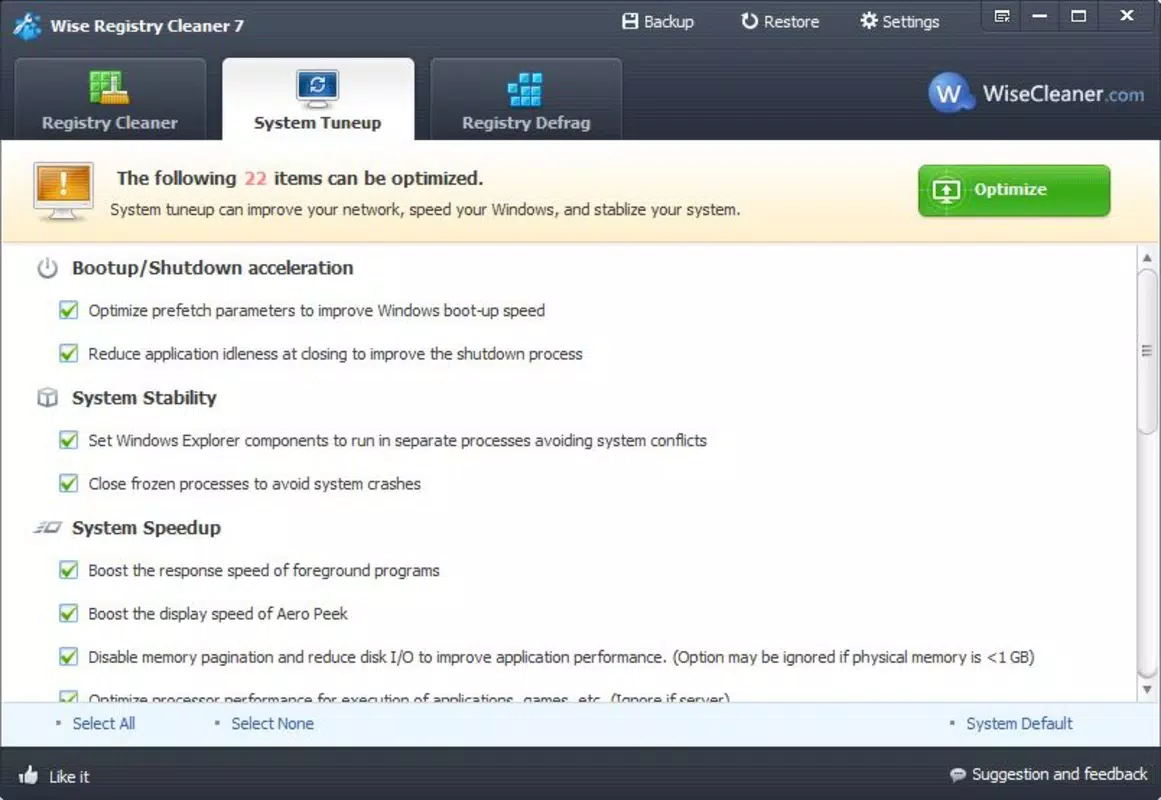
- Boot Optimization Tool: The software evaluates startup programs and allows users to disable unnecessary applications from launching at boot. This directly contributes to faster system startup times and improved responsiveness.
- Registry Defragmenter: By reorganizing fragmented registry data, the defragmenter enhances access speed and reduces registry file size. This contributes to smoother system operation and more efficient disk usage.
- Portable Usage: The application runs without installation, making it compatible with USB drives and removable storage. This allows users to carry the tool across devices and use it on systems where installation is not permitted.
Real-world use cases include optimizing older machines experiencing slowdowns, preparing computers for resale by cleaning up registry clutter, and maintaining system performance in shared workspaces. The tool’s lightweight design ensures it does not consume significant system resources during operation, making it suitable for use on low-end or aging hardware.
Interface, UX & Performance
The user interface of Wise Registry Cleaner Portable is designed with simplicity and clarity in mind. The layout is minimalistic, with clearly labeled sections for scanning, repair, boot optimization, and defragmentation. Navigation is intuitive, allowing users to progress through tasks with minimal guidance. The main dashboard presents scan results in an organized format, highlighting issues by severity and type.
Although the developer did not list formal performance metrics, the application operates efficiently on a range of Windows devices. It maintains responsiveness during scans and repairs, with no noticeable lag or freezing observed during typical use. The tool’s lightweight footprint—only 14.7 MB—ensures it runs smoothly even on systems with limited RAM or processing power.
Stability is a key strength, as the software does not report crashes or errors during standard operation. The portable nature of the app further contributes to its reliability, as it avoids conflicts with existing system software. Users can expect consistent behavior across different Windows environments, provided the host system meets the minimum OS requirements.
Platform Compatibility & Technical Requirements
Wise Registry Cleaner Portable is designed for the Windows operating system. The current version is 3.0.0, with a file size of 14.7 MB. The developer did not specify minimum OS requirements, so compatibility with older Windows versions such as Windows 7 or 8.1 cannot be confirmed. However, given the tool’s lightweight nature and lack of dependency on modern frameworks, it is likely to function on recent Windows releases including Windows 10 and Windows 11.
As a portable application, it does not require installation and can be executed directly from a USB drive or external storage. This makes it compatible with a wide range of devices, including those with restricted administrative access. The developer did not provide information about specific hardware requirements or processor architecture, so users should exercise caution when deploying on non-standard systems.
Pros and Cons
Pros
- Free to use with no hidden costs or ads
- Portable—no installation required
- Lightweight at just 14.7 MB
- Simple, intuitive interface suitable for beginners
- Includes boot optimization and registry defragmentation tools
- Safe repair process with minimal risk of system damage
Cons
- Developer did not specify minimum OS requirements
- No official support for macOS or Linux
- Limited advanced customization options
- Not suitable for users seeking real-time monitoring or automated scheduled scans
- Compatibility with older Windows versions not confirmed
FAQ
Is Wise Registry Cleaner Portable safe to use?
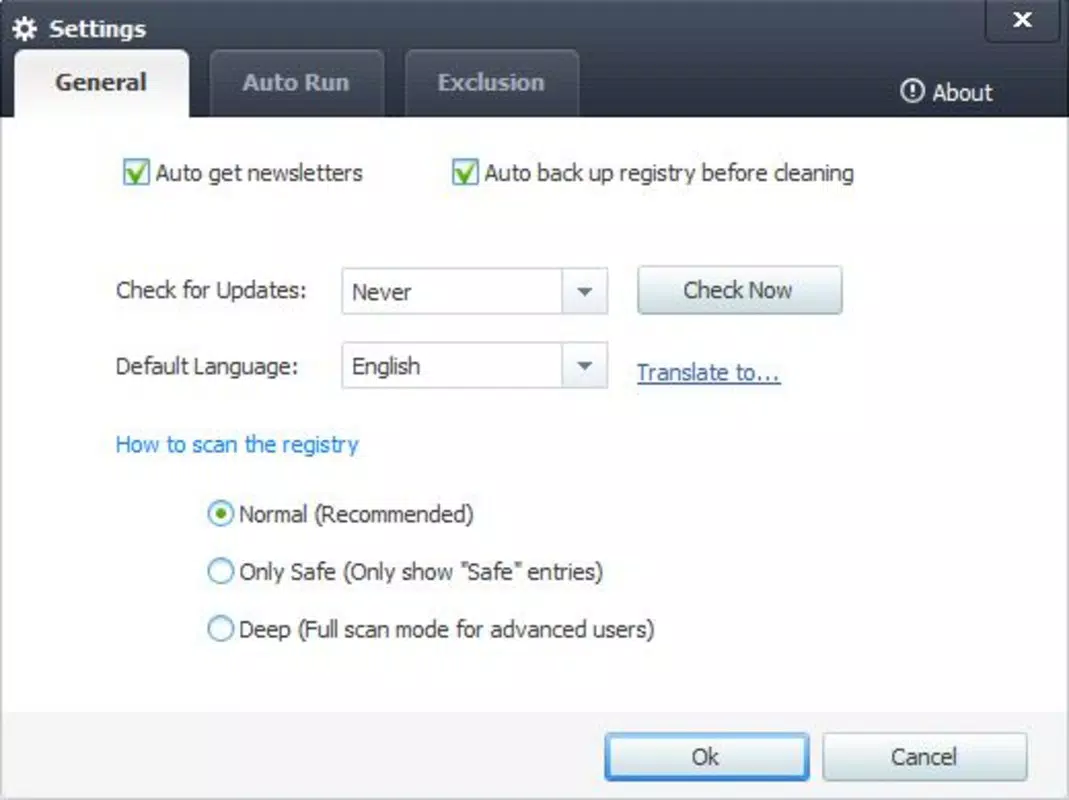
Yes, the tool is designed to safely scan and repair registry issues without causing system damage. It includes a backup feature before applying changes, allowing users to restore the registry if needed.
Can I run this tool from a USB drive?
Yes, the portable version is specifically designed to be run directly from a USB drive without installation.
Does it work on Windows 10 and Windows 11?
While the developer did not specify compatibility, the tool is expected to work on modern Windows versions due to its lightweight design and lack of dependency on legacy components.
Is there a version for macOS or Linux?
No, the application is currently only available for Windows platforms.
How often should I run the registry cleaner?
It is recommended to run the tool periodically—such as once every few months—to maintain optimal system performance, especially on machines with frequent software installations and removals.
Final Thoughts
Wise Registry Cleaner Portable stands out as a reliable, no-installation solution for maintaining Windows system health. Its combination of registry analysis, automatic repairs, boot optimization, and defragmentation makes it a valuable tool for users seeking to improve performance without complexity. The portable format enhances its versatility, allowing use across multiple devices without leaving traces.
While it lacks advanced features like scheduled scans or real-time monitoring, its simplicity and safety make it ideal for casual users and IT administrators alike. For those looking for a secure, lightweight, and efficient registry cleaner that doesn’t require installation, this tool delivers consistent value.
Download Wise Registry Cleaner Portable now


